




Every land deal runs through people. The owner who isn’t ready yet. The broker who brings the next one. The attorney on the purchase agreement, the lender financing it, the engineer on the yield study, the planner who knows what the commission will actually approve.
That side of the deal, who said what, and when, usually lives nowhere durable. It’s scattered across someone’s inbox, a spreadsheet, a personal contacts app, or a separate CRM that never quite talks to the land data. Sometimes even just a sticky note. Ask a teammate what happened on a parcel two years ago, and the honest answer is often “let me check my email,” if they still have access to it or remembered who they contacted.
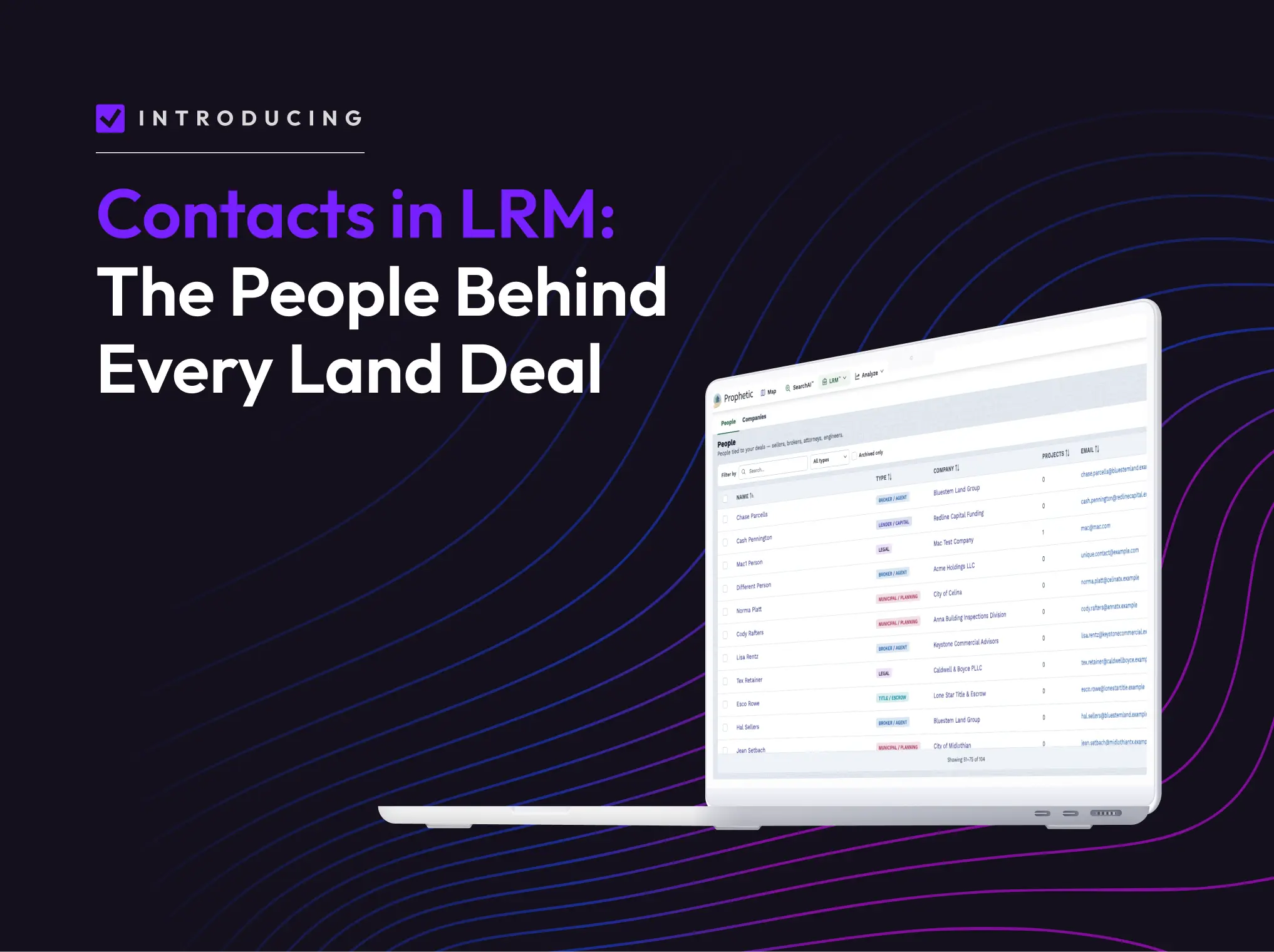
Today, we’re closing that gap. The Contacts feature now takes the directory of everyone you work with; owners and institutional partners like attorneys, lenders, engineers, and planners, and connects them directly to the projects they touch.
The problem with keeping people and deals separate
Land Relationship Manager™ has always held the deal itself: pipeline stage, tasks, notes, documents, and the property data and diligence behind every parcel. What it hasn’t held, until now, is the people.
That gap has a real cost. When an owner who went quiet eighteen months ago finally calls back, whoever answers the phone has to reconstruct the relationship from scratch by digging through an inbox, asking around the office, hoping someone remembers the last conversation. When someone leaves the team, their context often leaves with them. And when the same broker or attorney touches six different projects, most teams end up with six different versions of that relationship, typed in six different places, drifting further apart every time someone adds a note.
For land acquisition and real estate development, that hasn’t necessarily been a technology problem so much as a structural one: the deal and the relationships that built it were never in the same system.
Two kinds of contact, one database
Contacts is organized around how land teams actually think about the people in a deal, not around a generic sales pipeline:
Institutional contacts are the partners you need to close; attorneys, lenders, engineers, title companies, planners, municipal staff, and the firms they work for. You build this directory once, then reuse it across every project those people touch. The attorney who papered your last three deals doesn’t get re-entered a fourth time; you just attach the existing record to the new project.
Contacts also extend to companies, not just individuals — so the firm you work with is a record of its own, not just a name attached to the one person you happen to know there.
How it works
Getting people into Prophetic and working with them takes three steps:
- Build. Capture the people and companies you work with, and the relationships between them. A contact needs a first name, last name, and at least a phone number or email to get started.
- Attach. Connect any contact to the projects and parcels they touch. Because the link works both ways, you can reach a person through the project they’re tied to, or pull up a project through the person, whichever direction makes sense for how you’re working that day.
- Work the deal. Launch a call or an email straight from the contact record, then log the note back to the project. On the desktop or out in the field on mobile, the interaction lands in the same place: attached to the deal, visible to whoever needs it next. Tag a teammate into that note thread, and the conversation happens right where the work already is, instead of in a side channel only one person can see.
"When a landowner calls, I can instantly pull up Prophetic's complete analysis of their property and our outreach history, building immediate rapport and credibility in that first conversation." – Alexx Monastiero, Principal and Director of Land Acquisition, The Gove Group Real Estate, LLC
Why this matters beyond convenience
It’s tempting to describe Contacts as a nice-to-have… a place to jot down a phone number instead of losing it in a text thread. That undersells what changes when the people and the parcel live in the same system.
History stays with the deal, not the person. A land team’s institutional knowledge has always been fragile in a specific way: it lived in whoever happened to answer the phone last. Keeping the contact record on the project means that knowledge survives turnover, reorgs, and people simply forgetting. The deal keeps moving even as the team around it changes.
One record, every deal. Reusing a contact across projects instead of re-typing it project by project means the record gets richer over time instead of splintering. The broker’s note history from your last deal with them is right there the next time you work together.
Less context-switching. Many land teams today run their project data in one tool and their relationships in another; a personal inbox, a spreadsheet, or a CRM built for a generic sales motion rather than a parcel-based one. Every switch between those systems is a place information gets lost or simply never logged. Bringing contacts into the same system as the project removes the switch entirely.
Nothing new to learn. Contacts isn’t a separate module bolted onto Prophetic. It lives inside the projects and parcels your team already works in every day; the same login, the same project view, one more layer of what’s already there.
Contacts is live today for all Prophetic customers. Log in to start building your directory, or [book a demo] if you’re new to Prophetic and want to see it on your own deals.